
Read your own EPUB books
Import your EPUB files, adjust the reading appearance, and pick up from your saved position.
EPUB reading · Translation · Vocabulary
BookClue is an EPUB reader for your English books. Read with word translations beneath the text, listen to available pronunciation, and build vocabulary as you go.
Available now
Currently for iPhone · iOS 18 or later · Free with ads
Made for the pleasure of reading, first.
THE IDEA
BookClue brings EPUB reading and vocabulary learning into one calm space.
Follow the page, linger on a word, and come back to what matters—all without losing the thread of a good book.
For curious readers, wherever a story takes them.
Import your EPUB files, adjust the reading appearance, and pick up from your saved position.
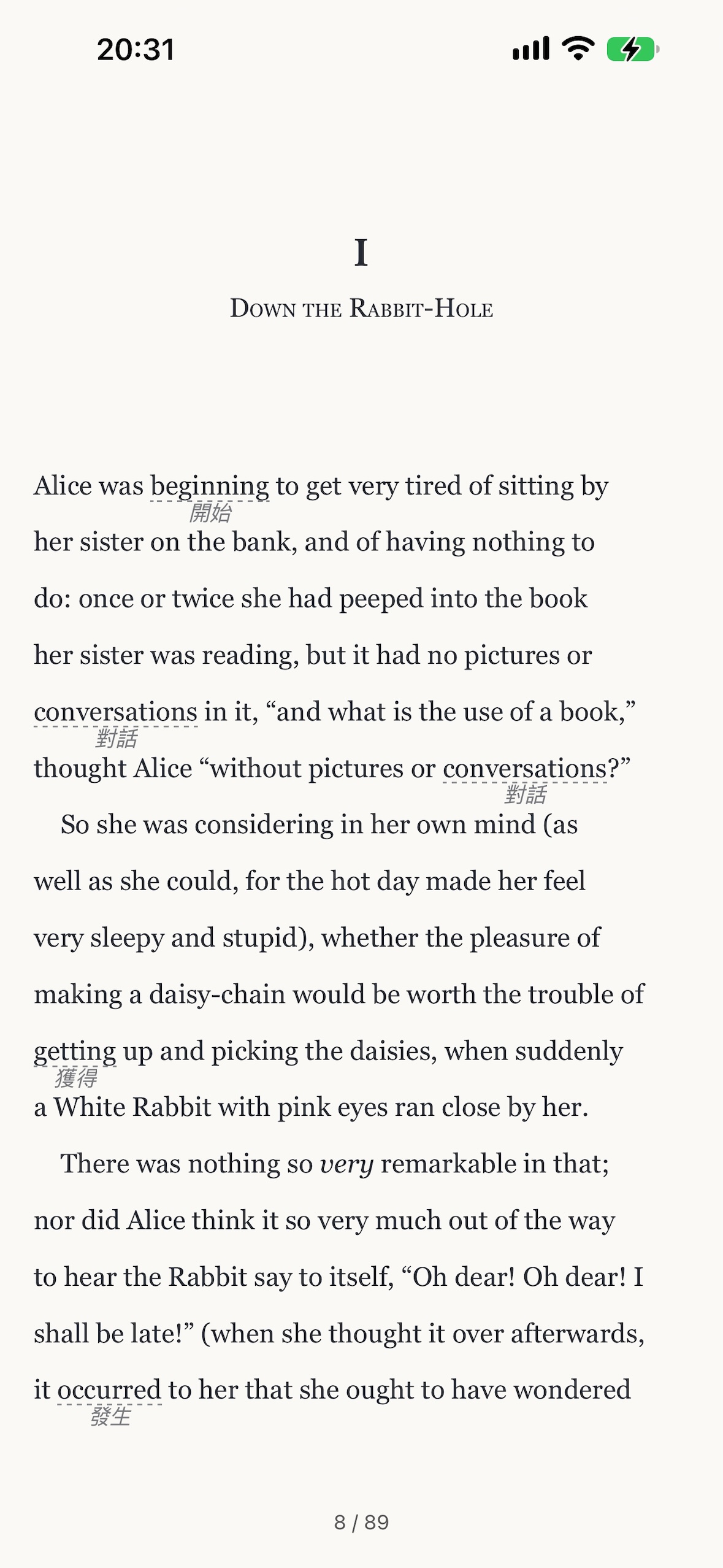
Show word translations beneath the English text, explore words and sentences, and listen to available pronunciation without leaving your book.
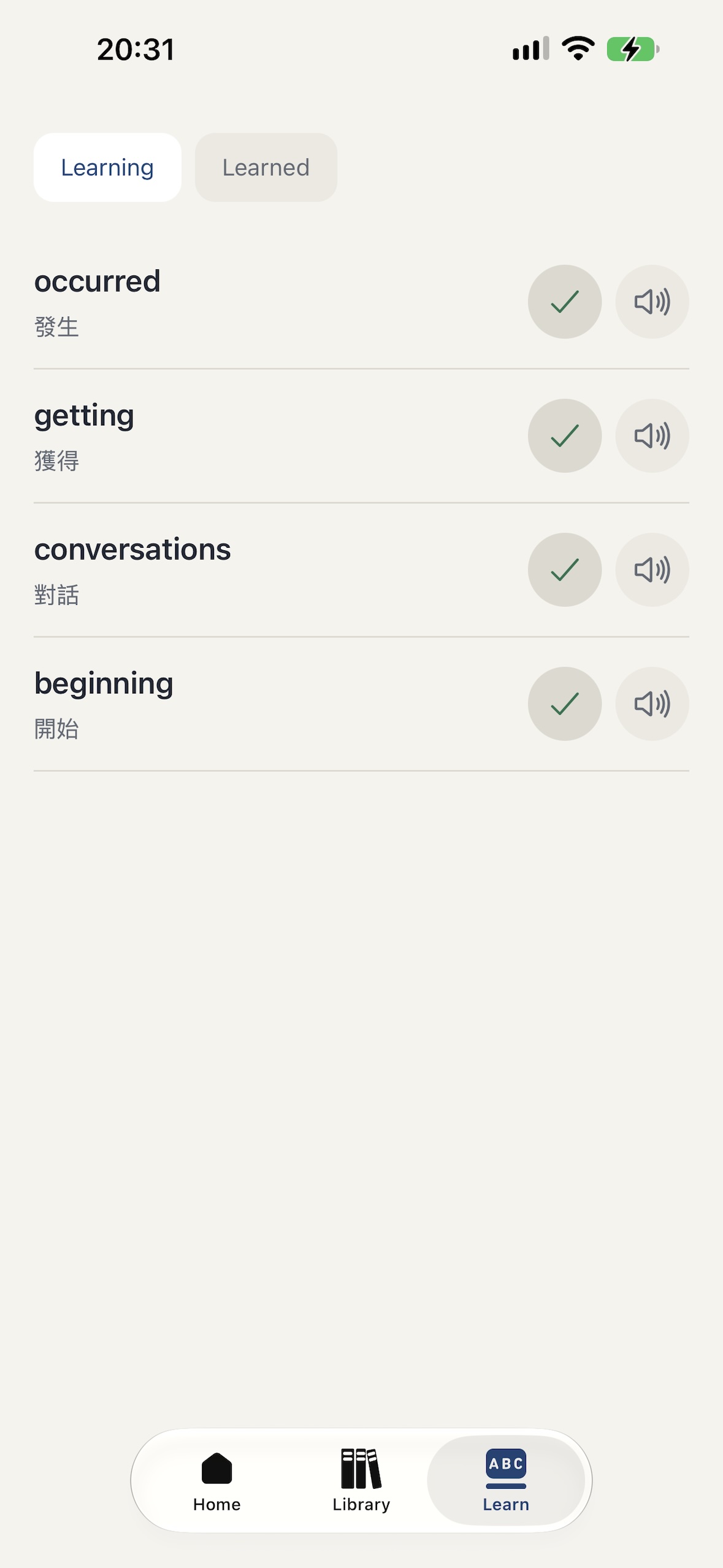
Successfully translated words are saved automatically. Revisit them and mark them as learned.
Bring your own EPUB books. BookClue does not provide books or a book catalog.
Actual BookClue app screens. Displayed languages may vary.
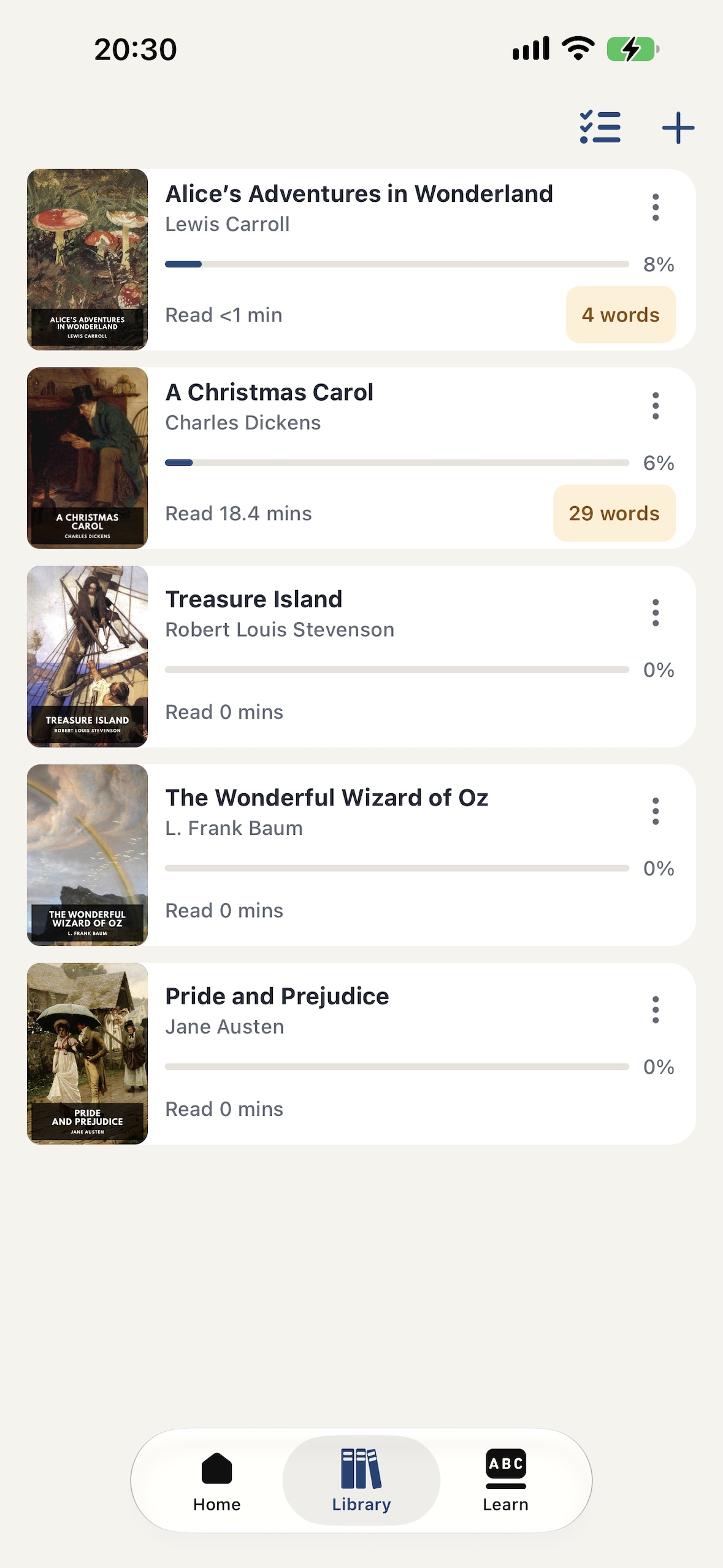
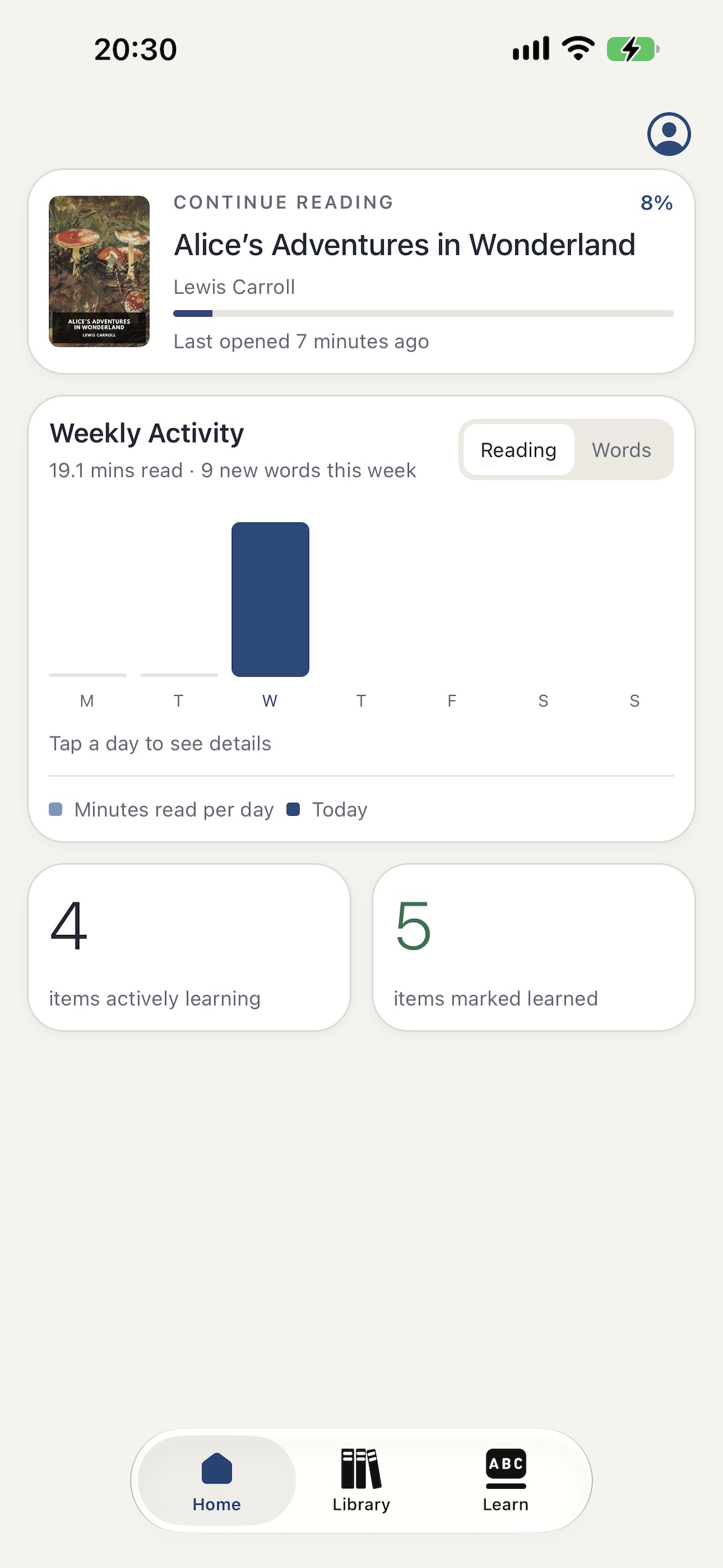
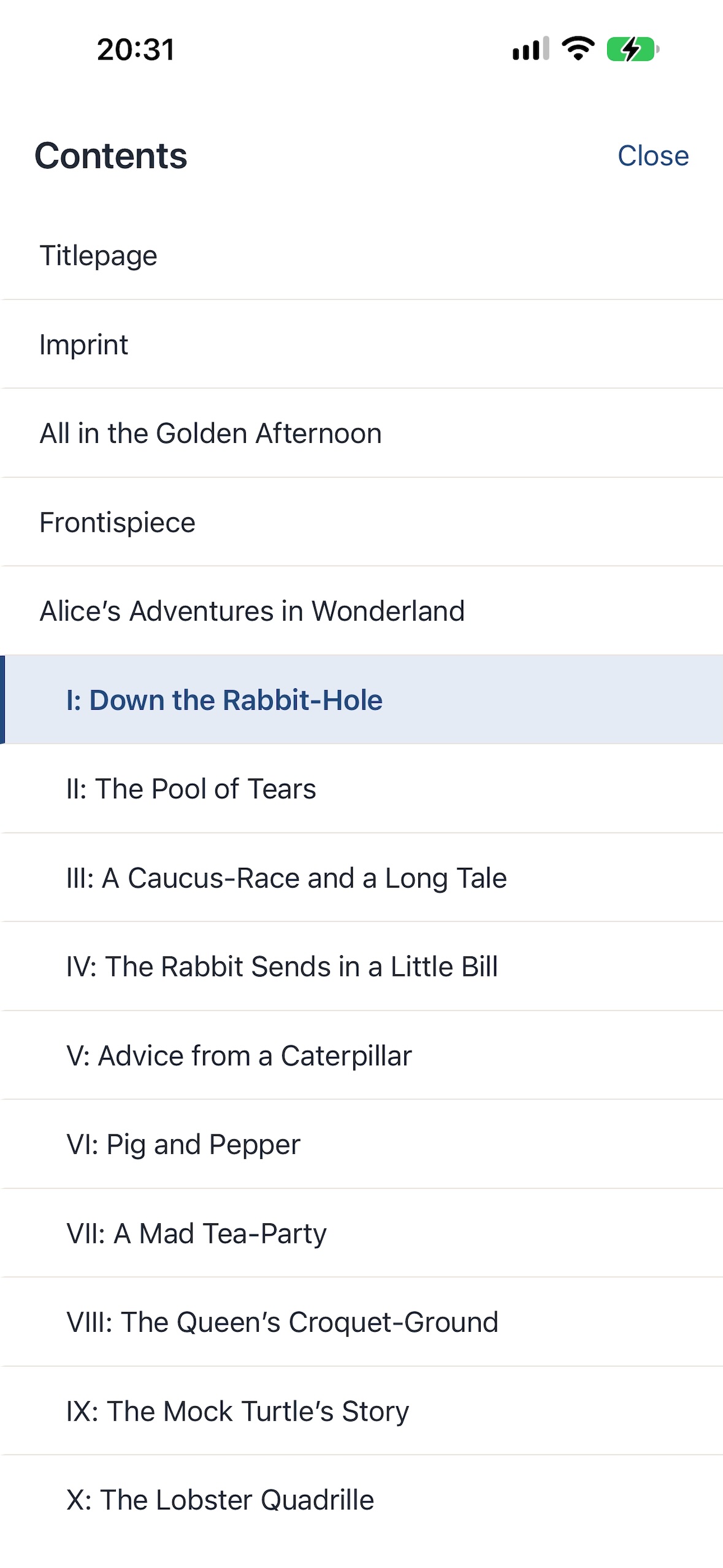
Import EPUB files from Files and continue from your saved reading position. BookClue is a reader: it does not provide books, a catalog or EPUB sources. Import only books you have the right to use.
Translation assistance currently supports English source text. You can display word translations beneath the original and explore words and sentences. Availability depends on your device and selected language; automatic translations may contain errors.
An internet connection is needed to download the required language resources first. Supported translation can then work offline after those resources are installed. Availability depends on your device and selected language.
Successfully translated words are saved automatically. Browse your collected words and mark them as learned. Saved translations can appear again as you read until you mark the word as learned.
Books, reading progress and vocabulary are stored on your device. BookClue does not currently provide account-based cloud synchronization. Removing app data can remove your local library and learning records.
START READING
Download BookClue and start with an EPUB of your own.

Currently for iPhone · iOS 18 or later · Free with ads

Take your next chapter with you
Scan with your iPhone to open BookClue in the App Store.